

The reason your LinkedIn commenting habit never sticks (and the fix we built with Claude Code)
Here's the personal comment drafting tool to solve it, plus the full code + steps to make it yours.


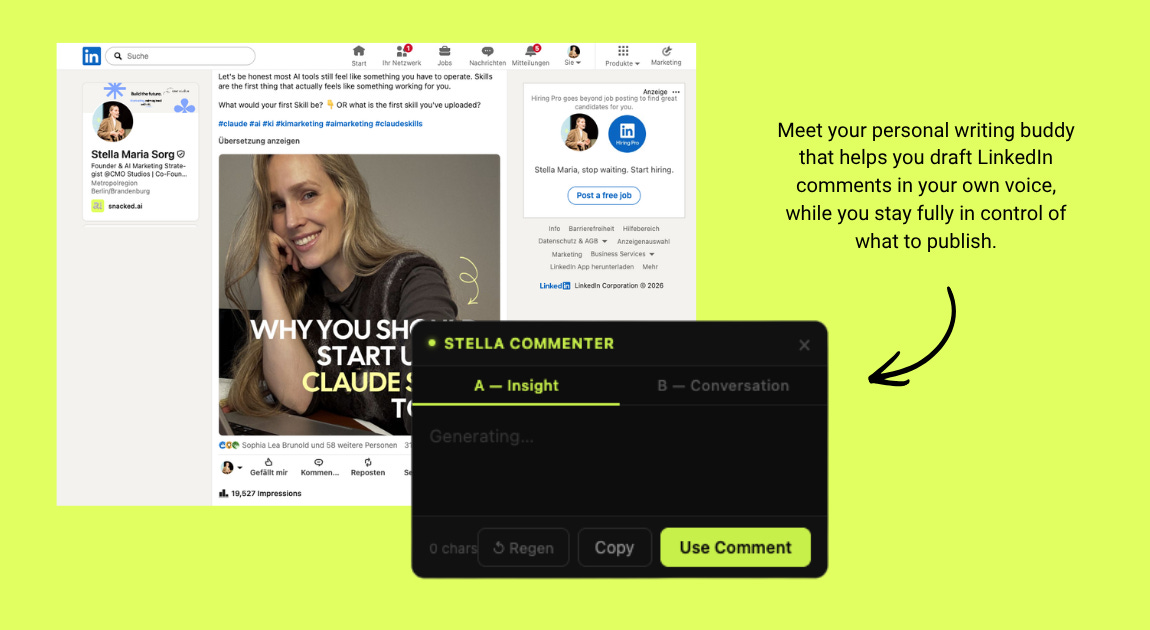
Let’s be honest. We all know commenting is one of the highest-leverage moves for building a personal brand on LinkedIn. It’s not the posts. It’s the comments. Every good comment puts you in front of someone else’s audience.
We know how you feel right now reading this:

Let us guess! You open the app, scroll past three posts you actually have something to say about and close it again. We’ve both been there. Every single week. Time is not the main issue, the blank page is.
So we started thinking about what a real fix would look like. Not another reminder to “just be consistent.” An actual solution to the friction.
SPOILER: We found and built a fix.
AND WE ARE SHARING IT WITH YOU TODAY!

It’s a personal comment drafting tool that helps you draft LinkedIn comments faster. You still review and post everything manually.
Important side note: Not a bot. Not an agent (pls do not do that!)
This is a browser-side tool that helps you draft LinkedIn comments faster. You open LinkedIn manually. You scroll normally. It just sits quietly in the background until you click into a comment field. Then it reads the post content and gives you two options:
1. One comment that adds your perspective or opinion (thought leadership)
2. One comment that opens a question to spark a reply & engagement
Both are written in your tone of voice. The drafts are starting points, not final copy. You keep full control over what goes out.
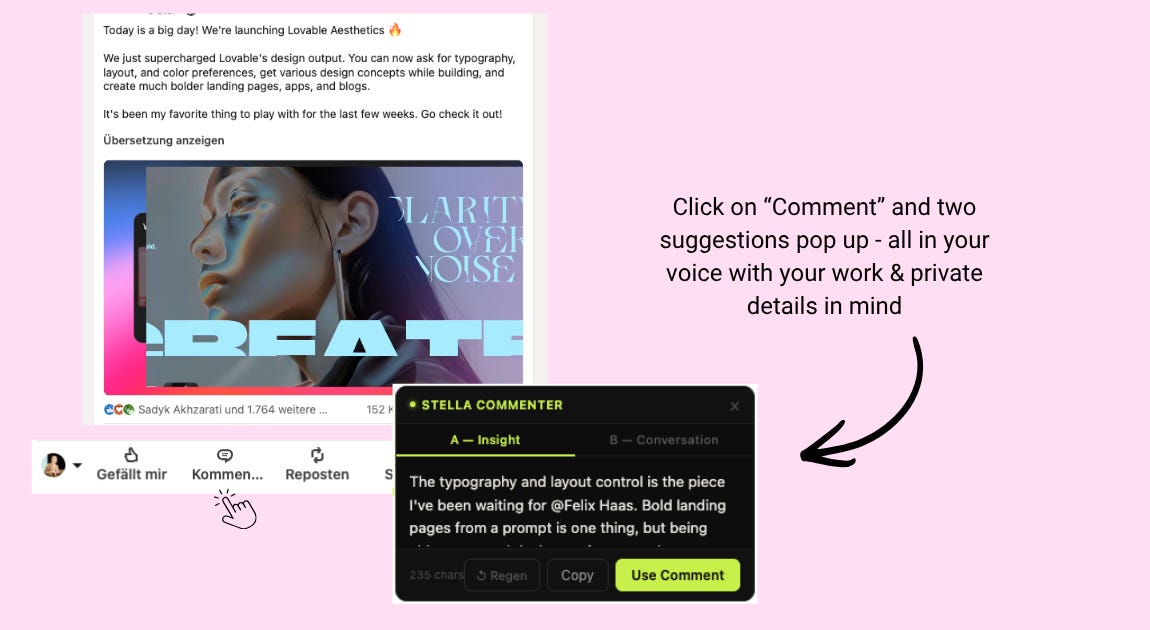
The manual step is intentional. It is important that you have 100% control over your comment. And honestly, I still want to read what I’m posting before it goes out.
So, what’s the purpose?
The blank-cursor moment is GONE.
Want the code?
Posts like this are usually reserved for our paid subscribers BUUUUT for this one, we wanted to make you a little gift ✨ All we ask in return: check out our channels, follow along and leave some love for a tool you’re getting completely free.

If you’re a free subscriber, you can redeem your one-time unlock to read this today. No payment needed. It’s your free pass, use it here.
If you’re not subscribed yet: sign up for free and you’ll get your one-time unlock with it. Already a paid subscriber? Keep scrolling, it’s all yours.
Unlock this post FOR FREE:
